AI-Augmented Kubernetes Operations: Running Assistants with Guardrails
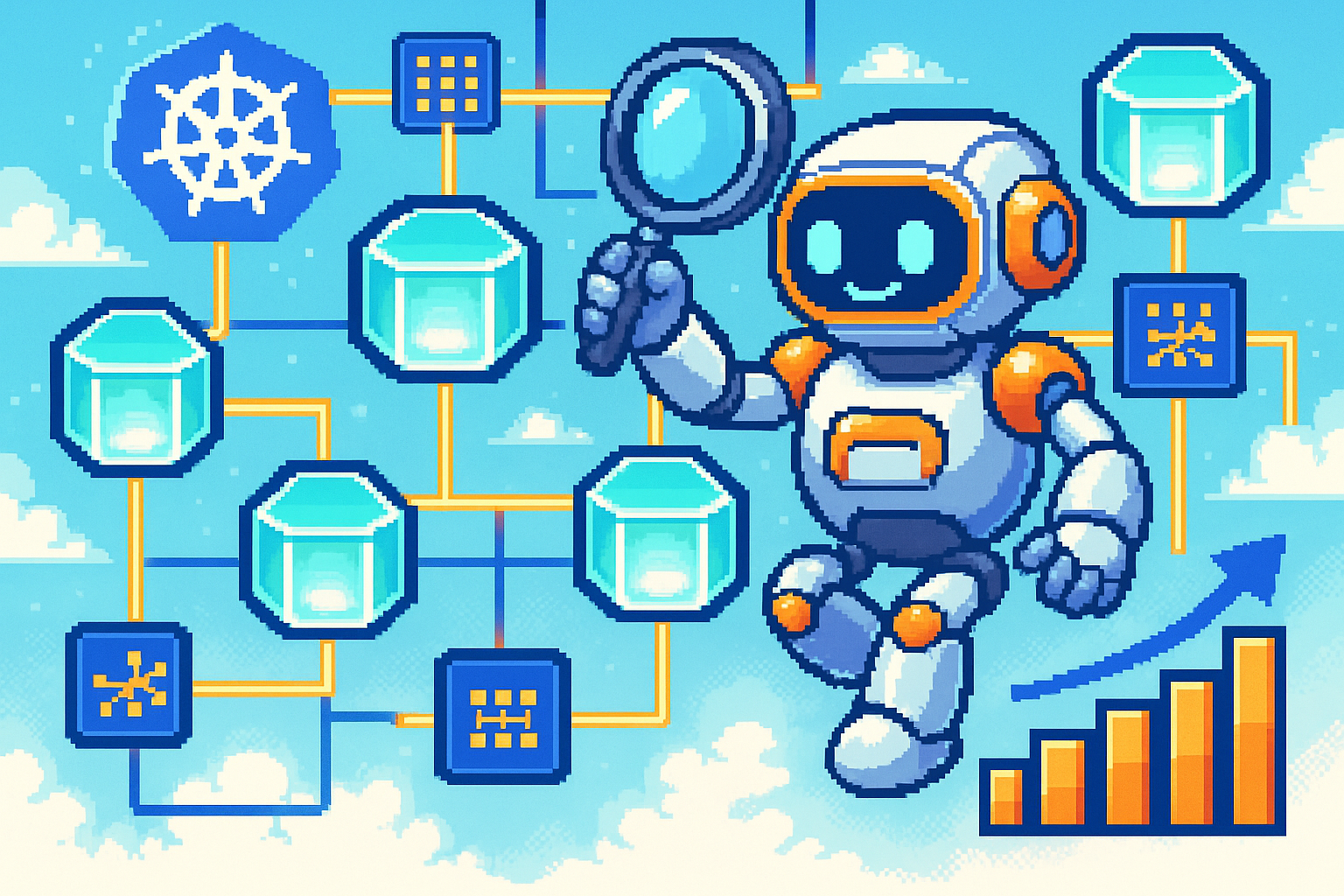
This post explores how to integrate an AI assistant into a Kubernetes cluster, what it can realistically automate, and how to keep it safe from unintended actions.
Two Kinds of AI Assistance for Kubernetes
The easiest place to start is generating artifacts. A model can write Dockerfiles with efficient layer ordering, Kubernetes manifests with resource quotas and security contexts, and operational scripts that follow established patterns. The agent can also observe the cluster, analyze patterns, and acts within policy.
It generates manifests when asked, and continuously monitors the cluster for anomalies or optimization opportunities. The key is that every action it takes passes through the same validation, approval, and audit gates that human operators already enforce.
Engineer request → AI assistant pod → Kubernetes API → Validation → Approved action
What a Cluster Assistant Can Do
A well-scoped assistant can take on repetitive observability and tuning work:
- Surface workload anomalies by comparing current pod behavior against historical baselines
- Spot configuration drift between running resources and the manifests stored in Git
- Suggest resource adjustments for CPU and memory requests after analyzing actual usage
- Draft HPA or VPA objects tuned to observed traffic patterns
- Investigate pod failures by correlating events, logs, and recent deployments
These tasks scale poorly with headcount. A small SRE team responsible for dozens of clusters can spend most of its week just gathering context before making a decision. The assistant does the context gathering, presents the findings, and proposes the next step.
The Financial Case for Cluster Assistance
In a fleet of fifty clusters, a team might see ten operational incidents per week that require investigation. If the assistant can reduce that investigation time to thirty minutes, the team recovers roughly sixty-five hours per week, or about $65,000 annually in labor costs alone.
Over-provisioned workloads are common in Kubernetes. An assistant can continuously recommend right-sized requests, which can reduce cluster footprint. In cloud environments, where idle compute is billed directly, those recommendations translate into ongoing infrastructure savings that can exceed the labor savings.
Governance Requirements
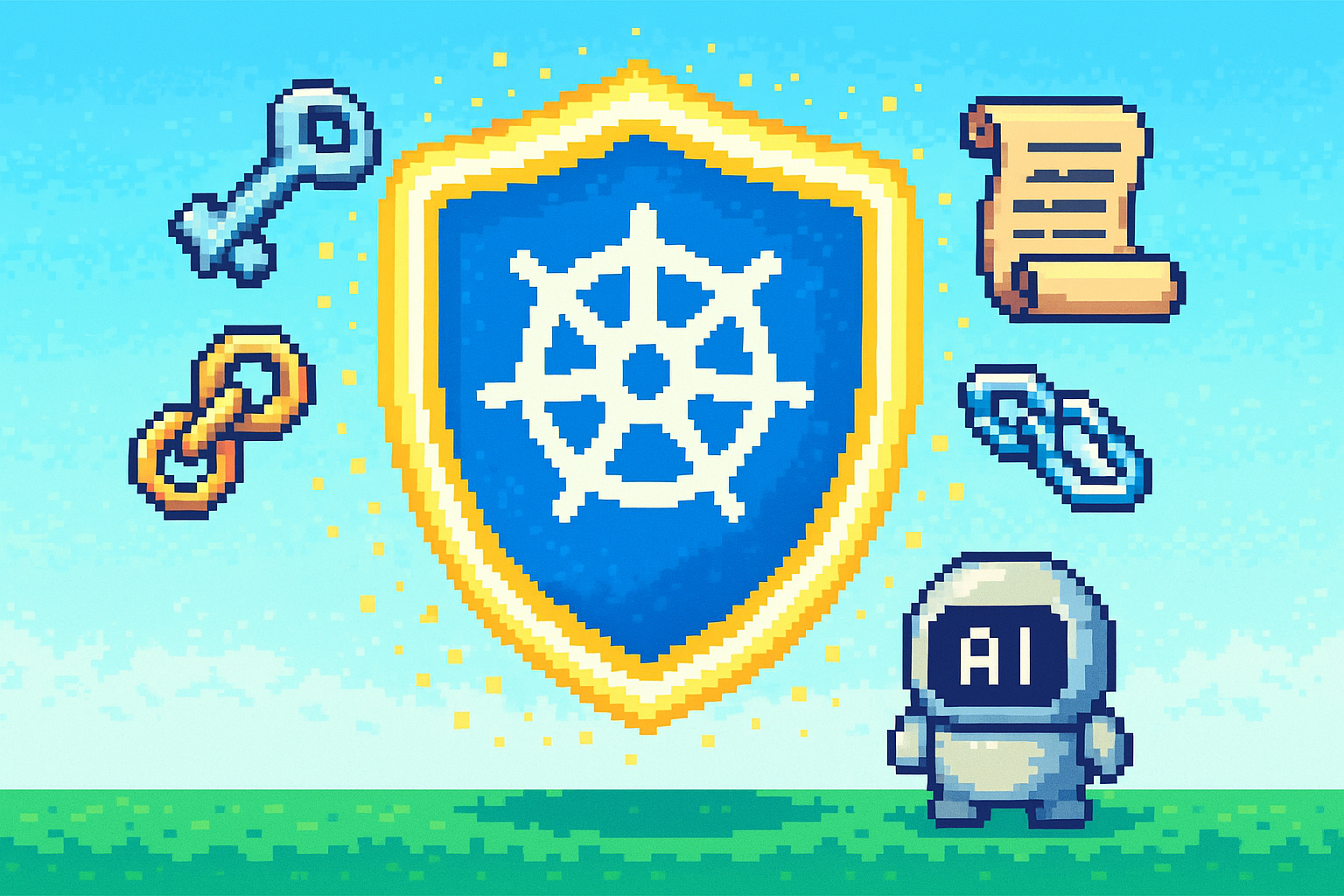
Running an autonomous agent inside a cluster can introduce new risks.
Identity and Permissions
The assistant should run under its own service account with a tightly scoped RBAC role. It needs enough permission to read pod status, collect metrics, and patch the specific resources it is allowed to manage. It should not be able to read secrets, change network policies, or delete namespaces unless a particular workflow explicitly requires it and has been reviewed.
Audit and Human Review
Everything the assistant does should be logged. Low-risk actions like reading metrics or generating a manifest can run on their own. High-risk actions, such as scaling a production workload, changing a network policy, or touching anything near a database, should be proposed and then wait for a human to approve them.
A Practical Integration Pattern
An assistant is built from three layers: context collection, reasoning, and execution. Each layer is deliberately narrow so that a mistake in one layer does not automatically become a cluster change.
The context layer reads only what the assistant needs to reason about. The reasoning layer sends that context to a local LLM with a strict output schema. The execution layer checks the proposal against a risk policy and either runs it in dry-run mode or applies it after approval.
Risk Classification
The first control is a simple policy table that decides what the assistant can do without asking:
action_tiers = {
    'read_only': [
        'inspect_pod',
        'describe_deployment',
        'list_nodes',
        'fetch_metrics'
    ],
    'reviewed': [
        'rebalance_pods',
        'refresh_image',
        'tune_resources'
    ],
    'restricted': [
        'drain_node',
        'delete_workload',
        'change_service',
        'apply_manifest'
    ]
}
Read-only diagnostics can run automatically. Anything that changes state, even a harmless-looking image refresh or resource tune, must be proposed and approved. Destructive or infrastructure-level changes need senior sign-off.
Collecting Cluster Context
Before the model is asked anything, the assistant gathers a small snapshot of the cluster:
snapshot = {
    'namespaces': [],
    'nodes': [],
    'capacity': {}
}

for ns in self.core_api.list_namespace().items:
    snapshot['namespaces'].append(ns.metadata.name)

for node in self.core_api.list_node().items:
    snapshot['nodes'].append({
        'name': node.metadata.name,
        'ready': any(c.type == 'Ready' and c.status == 'True'
                     for c in node.status.conditions),
        'cpu': self._cpu_cores(node.status.allocatable.get('cpu', '0')),
        'memory_gb': self._memory_gb(node.status.allocatable.get('memory', '0'))
    })

snapshot['capacity'] = {
    'total_cpu': sum(n['cpu'] for n in snapshot['nodes']),
    'total_memory_gb': sum(n['memory_gb'] for n in snapshot['nodes'])
}
This snapshot is embedded in the prompt so the model knows the shape of the cluster without being fed every raw object. It is also a good place to scrub sensitive names or labels if needed.
Reasoning About a Stuck Deployment
When a deployment is not rolling out cleanly, the assistant collects status, events, and replica history, then asks the model for a structured diagnosis:
deployment_context = {
    'name': deployment.metadata.name,
    'namespace': namespace,
    'desired': deployment.spec.replicas,
    'ready': deployment.status.ready_replicas or 0,
    'unavailable': deployment.status.unavailable_replicas or 0,
    'conditions': [
        {
            'type': c.type,
            'status': c.status,
            'reason': c.reason,
            'message': c.message
        }
        for c in (deployment.status.conditions or [])
    ],
    'pods': [
        {
            'name': p.metadata.name,
            'phase': p.status.phase,
            'restarts': sum(cs.restart_count for cs in (p.status.container_statuses or []))
        }
        for p in pods.items
    ],
    'events': [
        {'reason': e.reason, 'message': e.message}
        for e in events.items[-10:]
    ]
}
The model is asked to return a JSON object with a fixed schema: action, target, risk, reason, undo_command, and kubectl_commands. That structure makes the next step — validation and execution — straightforward to code.
Proposing an Image Refresh
For a rollout recommendation, the assistant builds a plan object that captures the current image, the proposed image, and how to undo the change:
plan = RemediationPlan(
    action='refresh_image',
    target=f"deployment/{deployment_name}",
    namespace=namespace,
    current_state={'image': current_image},
    proposed_state={'image': new_image},
    risk='low' if deployment_name not in critical_services else 'medium',
    reason=f"Rolling {deployment_name} from {current_image} to {new_image}",
    undo_command=f"kubectl rollout undo deployment/{deployment_name} -n {namespace}",
    impact=f"Restart {replicas} pods with the new image"
)
The risk level is computed from the service criticality and the nature of the change, not from the model’s opinion. The undo command is generated automatically from the current state, so the operator always knows how to revert.
Dry-Run Execution
The final layer never silently changes the cluster. By default, the assistant runs in dry-run mode and prints what it would do:
mode = "[DRY-RUN] " if self.simulate else ""
print(f"{mode}Applying plan")
print(f"Action: {plan.action}")
print(f"Target: {plan.namespace}/{plan.target}")
print(f"Risk: {plan.risk.upper()}")
print(f"Current: {plan.current_state}")
print(f"Proposed: {plan.proposed_state}")
print(f"Impact: {plan.impact}")
print(f"Undo: {plan.undo_command}")
Only after the operator changes simulate to False and explicitly approves the plan does the assistant call patch_namespaced_deployment or another mutating API. This keeps the blast radius small.
Deployment Checklist
Before running an AI assistant in a production cluster, check the following:
- Resource limits on the assistant pod prevent it from starving the cluster
- Service account is scoped to the smallest RBAC role that still works
- Network policies restrict egress to known endpoints
- Audit logging captures every API call and every recommendation
- Approval workflow is in place for high-risk actions
- Fallback procedures exist for disabling the assistant if it misbehaves
- Secrets are never included in prompts or completions
Risk Management
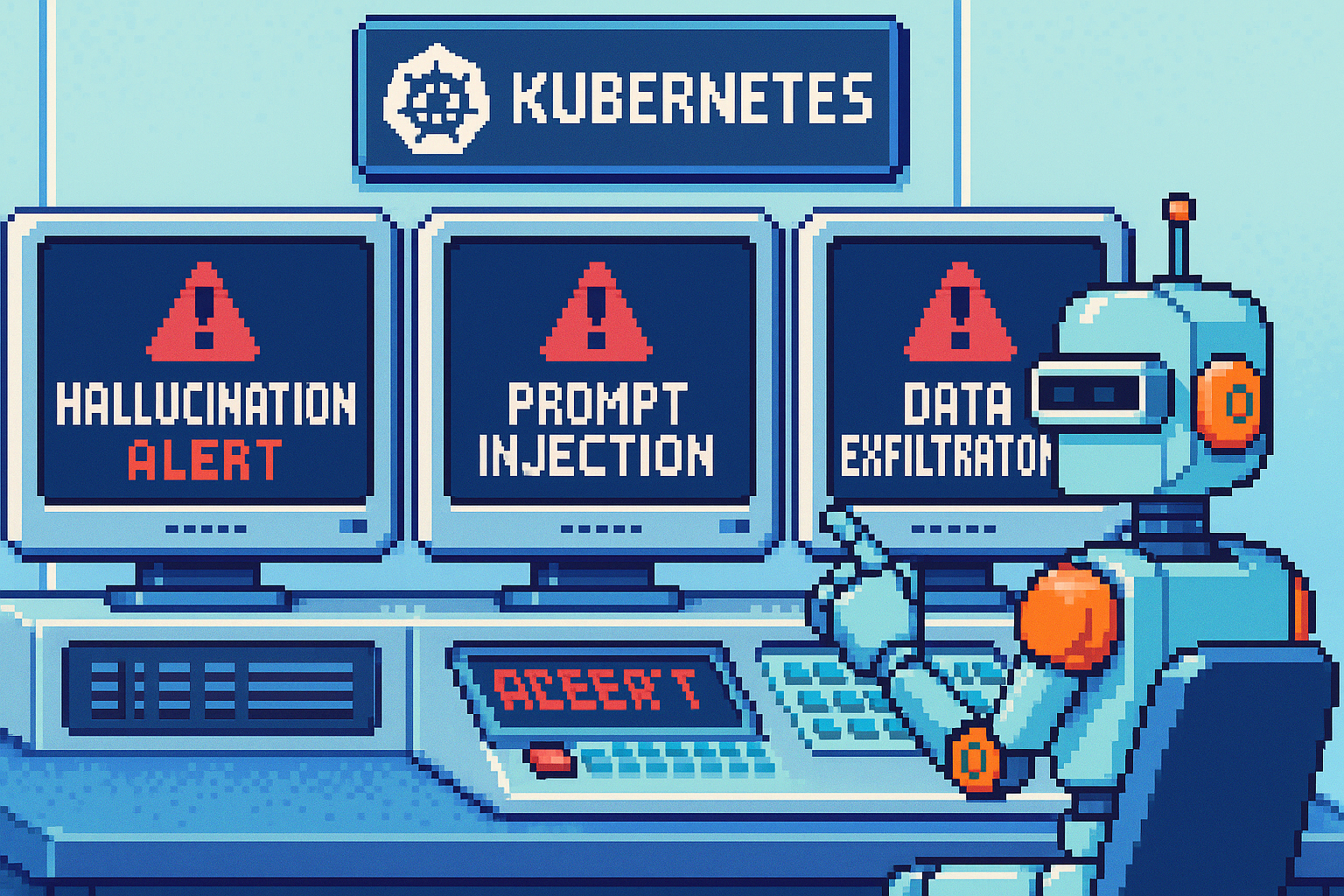
AI-assisted operations carry the same risks as any other AI application, but the consequences are larger when the assistant can change infrastructure.
Model Hallucination
A model can confidently suggest a change that sounds right but is not. The safest way to start is read-only: let the assistant observe and recommend, but force every recommendation through a second source of truth and a human review before any state is modified.
Prompt Injection
An attacker may inject malicious data into logs, metrics, or event messages in an attempt to manipulate the assistant. Sanitize all system-sourced input before adding it to prompts, enforce a strict output schema, and treat the model’s output as untrusted.
Conclusion
Kubernetes gives an AI operations assistant the context, APIs, and isolation to cut the time spent on repetitive incident triage and tuning and makes responses more consistent. Implemented carelessly, it adds a new attack surface and a source of unpredictable changes.